


Pofi Brush
Categoria : Design de arteVersão: 3.4.0
Tamanho:721.8 MBSO : Android 7.0+
Desenvolvedor:Pofi Entertainment
 Download
 Easy Drawing and Painting App
Pofi Brush is a mobile art tool that empowers creators and artists to enjoy an immersive painting experience and freely explore their creativity.
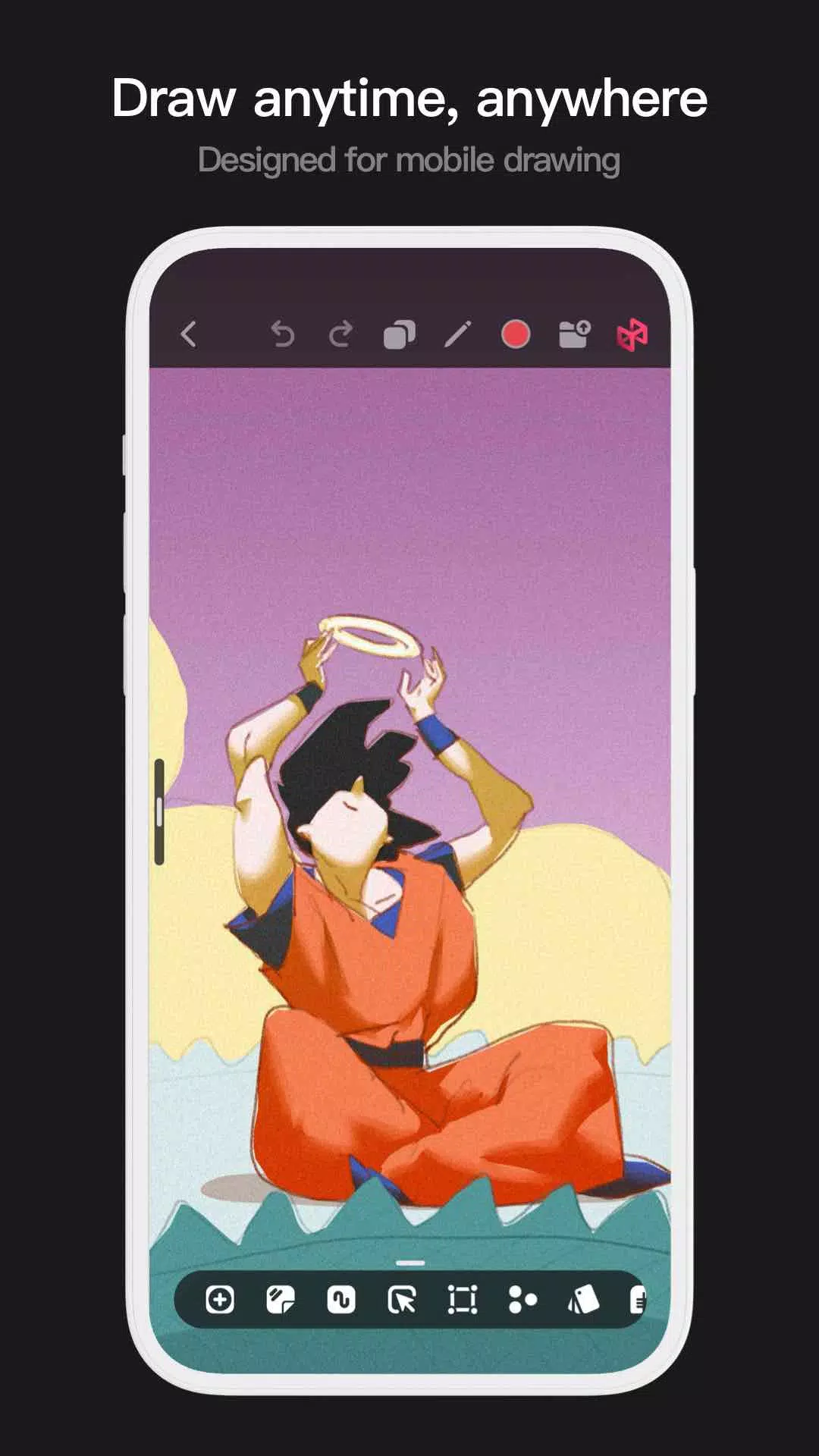
Pofi Brush delivers a comprehensive digital studio experience with dozens of beautifully designed brushes, a full suite of layer and color tools, an elegant and intuitive interface, and a smooth, powerful 2D Artistic Engine—all features and materials are completely free. Whether you're a beginner or a professional, Pofi Brush equips you to create stunning sketches, illustrations, comics, and cartoons directly on your phone or tablet, letting you capture and express your inspiration anytime, anywhere.
Powerful 2D Artistic Engine
Developed and optimized by the Pofi team for 64-bit multi-core processors, our powerful 2D Artistic Engine is cross-platform compatible. It supports large HD canvases, multiple layers, and is finely tuned for fluid performance to guarantee you the best possible painting experience.
- Create on canvases up to 4K × 4K resolution for crystal-clear, lifelike artwork.
- An intuitive interface designed specifically for mobile painting.
- Optimized for 64-bit multi-core processors to ensure smooth, fast drawing.
- Use an electronic pen for realistic, low-latency strokes that feel natural.
- Your work is safeguarded with auto-save and save-on-exit features.
- All powerful features are fully supported on both phones and tablets.
Professional Brush Editor
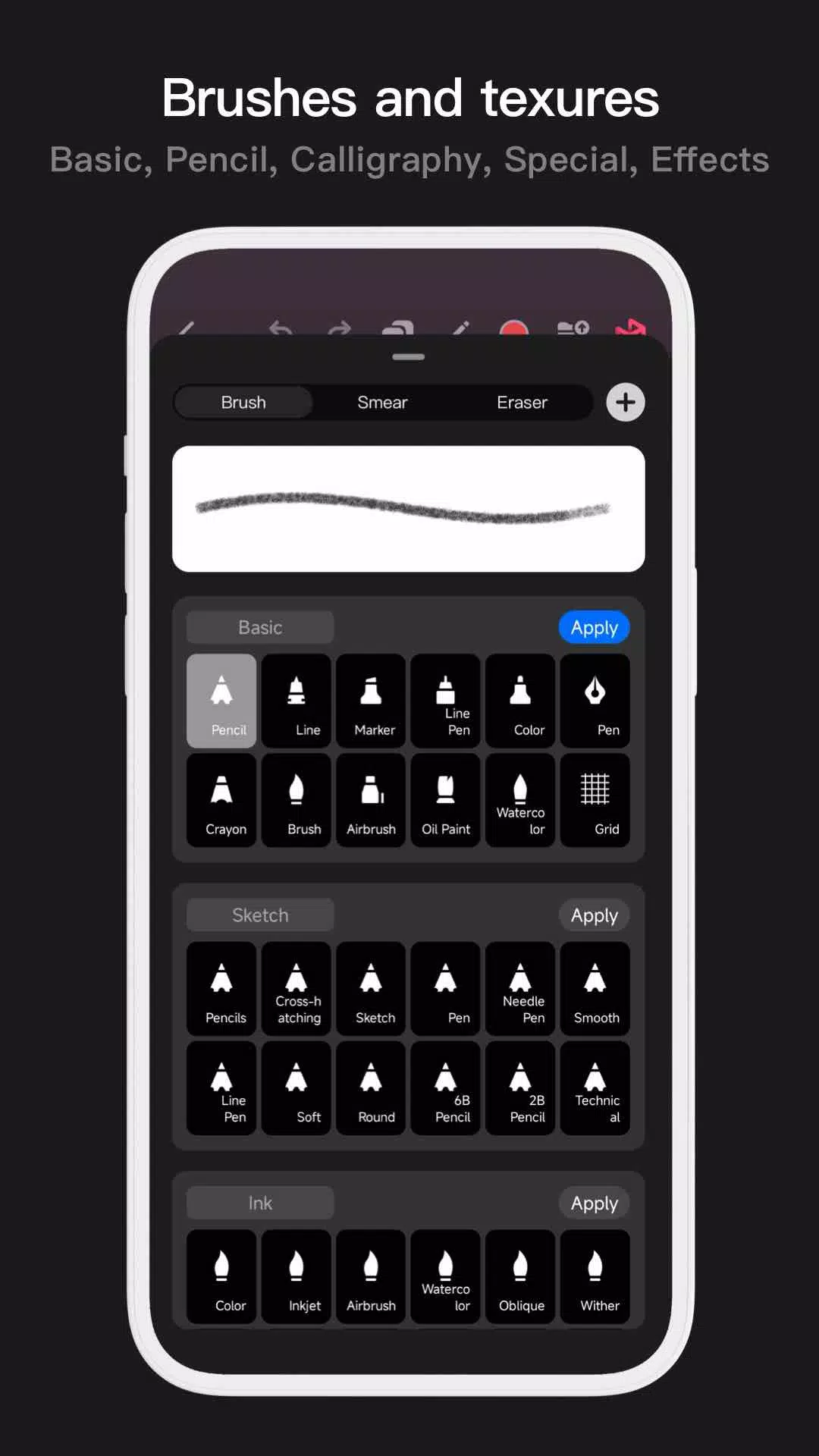
Pofi Brush comes pre-loaded with dozens of creative brush types, each featuring over 40 customizable settings. Tailor the brush editor to your personal style and project needs, or design your own custom brushes from scratch for truly unique artwork.
- Access a built-in library of meticulously designed brushes for sketching, inking, texturing, painting, special effects, and more.
- Every brush includes three versatile modes: Brush, Eraser, and Smudge.
- Customize each brush with over 40 settings and a library of preset tip shapes and textures.
- Organize your toolkit by combining, sorting, and creating brush groups for efficient management.
- Enable anti-flutter brush strokes to give your lines superior flow and stability.
- Finger-painting mode simulates pressure sensitivity, allowing you to paint with finger strokes that have the sharpness and detail of a real brush.
- Maximize your electronic pen's potential by utilizing its speed, tilt, and pressure data for an authentically responsive brush feel.
Advanced Multi-layer System
Pofi Brush features a sophisticated multi-layer system complete with grouping, layer effects, and adjustments, giving you precise control over every element to build incredible artwork.
- Quickly preview and locate the exact layer you need with the Layer Preview function.
- Manage your workspace effortlessly with drag-and-drop grouping, merging, and deletion of multiple layers.
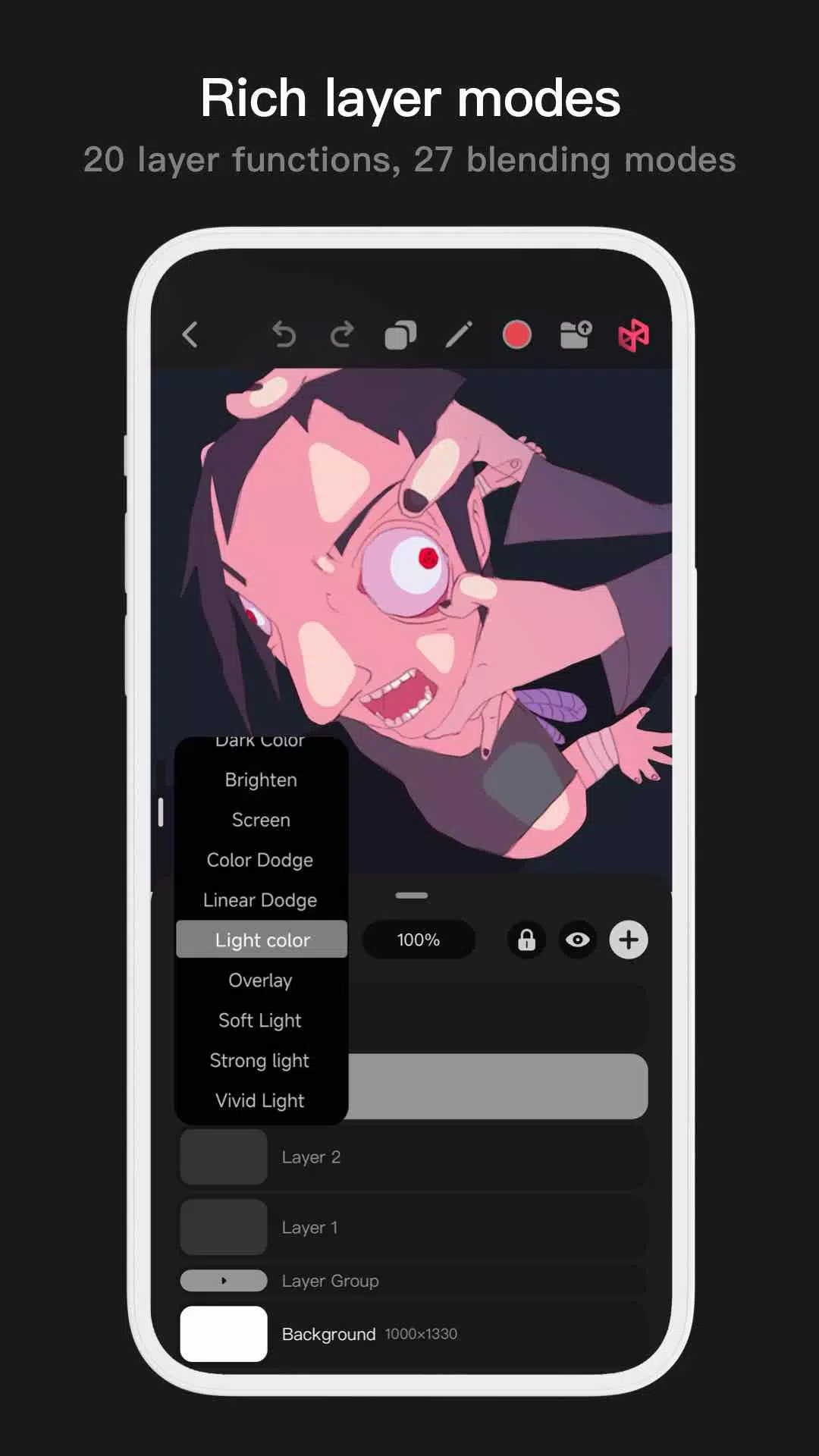
- Utilize 20 essential layer functions, including drag-to-sort, show/hide, lock/unlock, opacity adjustment, multi-select, and grouping/ungrouping.
- Explore 27 layer blending modes such as Standard, Darken, Multiply, Color Burn, Linear Burn, Lighten, Screen, Color Dodge, Linear Dodge, Overlay, Soft Light, Hard Light, and many more for dynamic compositing.
Full-featured Color Tools
We provide every color tool panel and style a painter needs, enabling you to find and select the perfect hues quickly and easily.
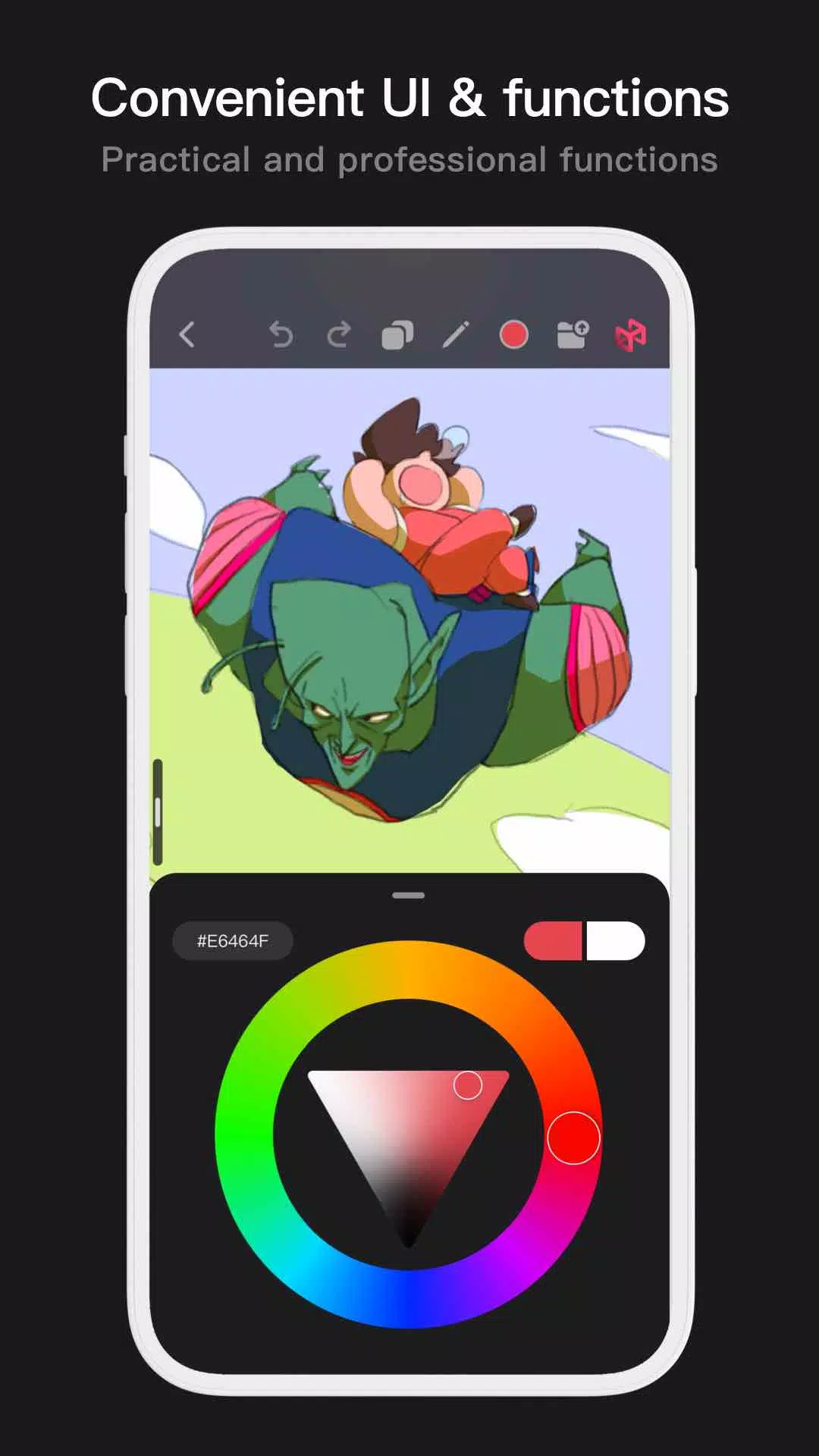
- Four versatile color panels: a circular color wheel, a square color palette, HSB numerical values, and grouped color swatches.
- Two efficient color picking methods: input a hexadecimal color code or long-press to sample color directly from your canvas.
- Six color swatch management functions: create swatch groups, rename groups, reorder groups, sort individual swatches, overlay swatches, and delete swatches.
More Highlights
- Phone interface supports both half-screen and full-screen expanded views.
- Tablet interface supports a large expanded layout and a small, draggable window.
- Rotate and zoom your canvas for the perfect working angle.
- Your progress is automatically archived and saved upon returning to the app.
- Export your finished artwork as high-quality PNG or JPG image files.
If you have any questions or suggestions while using Pofi Brush, please reach out to us at [email protected].


-
 Guia final de produtividade: aplicativos para todas as tarefas
Um total de 9 Spoken English Grammar app Learn Computer Course offline English Course Electronics Course JomStudy: Form 3 - 5 Study App Kids All in One (in English) TimeBlocks -Calendar/Todo/Note Lite Writer: Writing/Note/Memo WordUp | AI Vocabulary Builder
-


- Cenário da série de quadrinhos "Persépolis" - Pista de Palavras Cruzadas - Try Hard Guides 5 dias atrás
- Alivie o Estresse Literalmente Com Relaxubble, o Jogo de Quebra-Cabeça ASMR de Bolhas Zen 6 dias atrás
- Lenda dos Mitos: Códigos de Resgate Mais Recentes (Janeiro de 2025) 6 dias atrás
- Kakele Online Lança Grande Expansão do Continente Gangan 1 semanas atrás
- Decoração de Gelo Ralado dos Pikmin estreia no Pikmin Bloom 1 semanas atrás
- Tela de Death Stranding 2 revelada no Summer Game Fest 1 semanas atrás
-

Escritório de negócios / 1.5.59 / by BGCI / 38.70M
Download -

Entretenimento / v19.11.38 / by Vanced / 95 MB
Download -

Entretenimento / 1.1 / by HabibiWallpapers / 22.8 MB
Download -

Ferramentas / 2.1 / by Appwise OÜ / 12.00M
Download -

Ferramentas / 1.0 / by SM technology / 10.39M
Download -

Automóveis e veículos / 2.5.4 / by Lexus Mobile Apps / 154.5 MB
Download -

Comunicação / 6.62.1 / by CONSTRUCT TECHNOLOGY PTE. LTD. / 109.85 MB
Download -

Ferramentas / 3.3.9 / by 大乘科技(SSK) / 72.90M
Download
-
 Como consertar Marvel Rivals compilando shaders lentos no lançamento
-
 Como obter o caminho do baú da coragem nas sombras de Assassin's Creed
-
 "Salvando seu jogo em repo: um guia"
-
 "Clair obscur: Expedição 33 editora elogia o impacto de Remastered Remastered no holofote de RPG"
-
Melhores jogos educativos para adultos: Brain Treinamento e desenvolvimento de habilidades (jogos de quebra-cabeça)
-
 "Clair obscur: Expedition 33 desenvolvedores anunciam um novo projeto de jogo"