

 Download
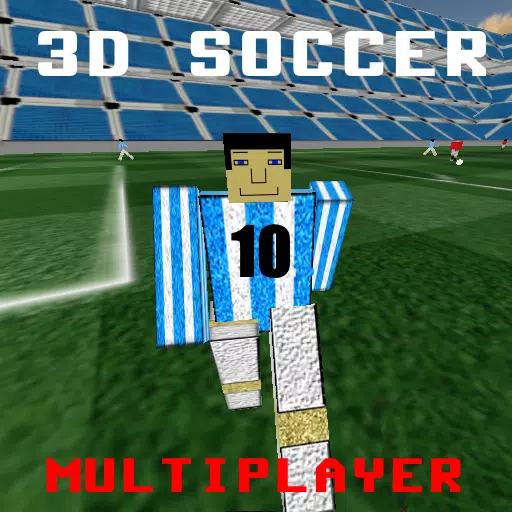
 First Person Soccer Game
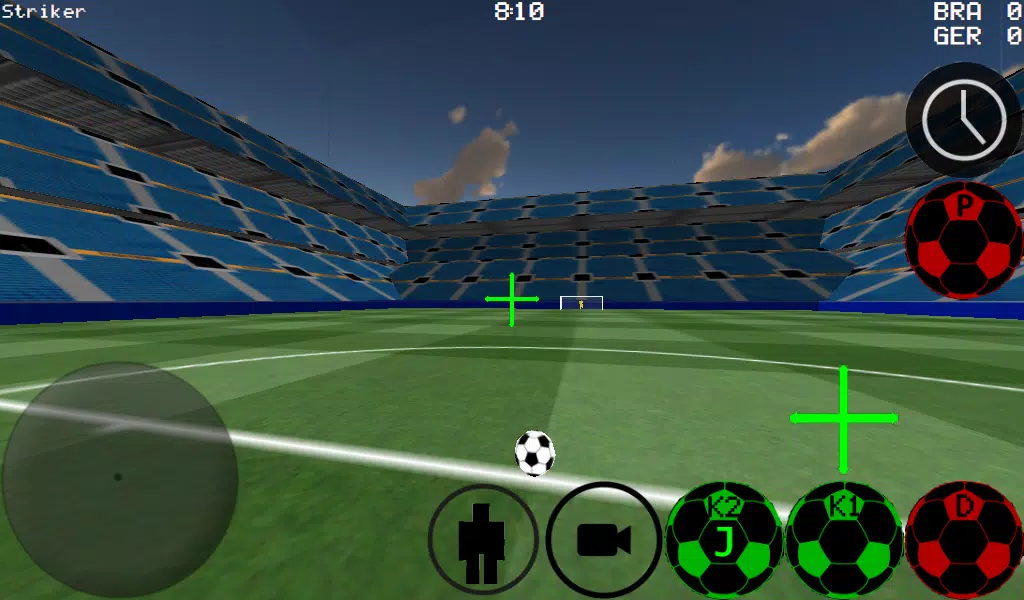
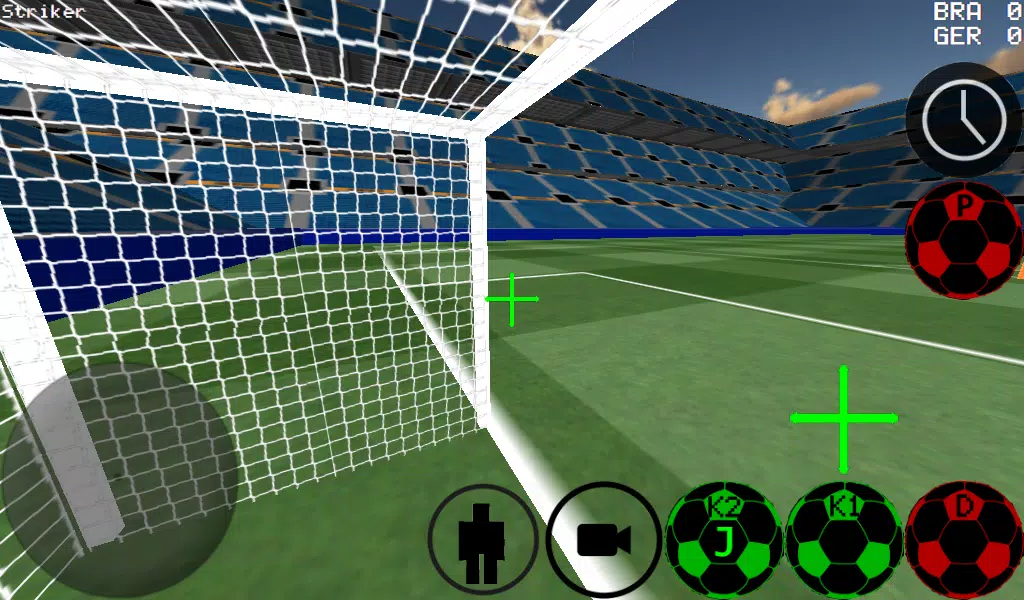
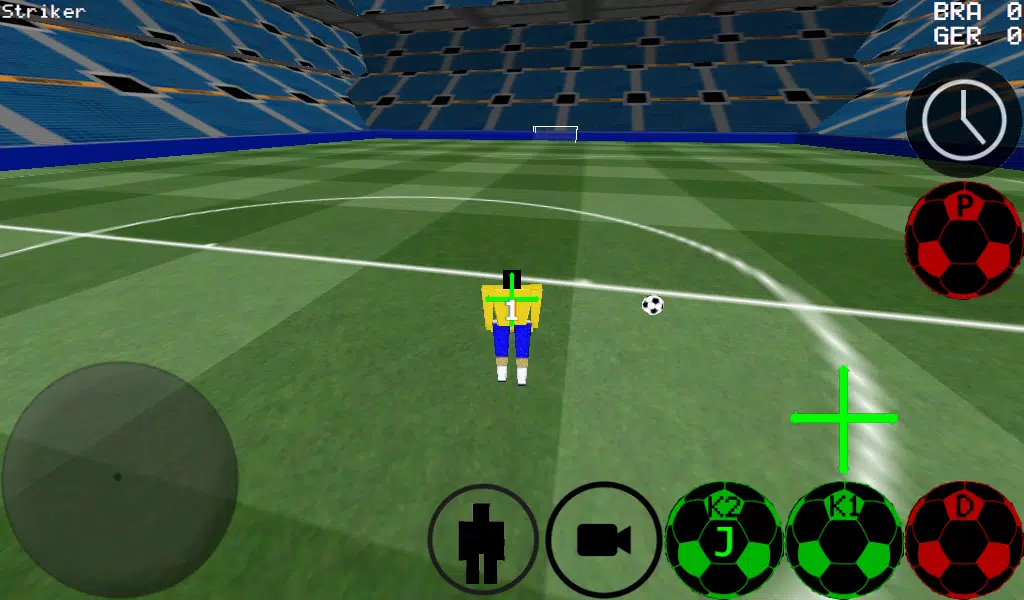
Experience soccer from a first-person perspective, with support for third-person, top-down, and stadium views.
- Advanced ball control for precise dribbling and kicking
- Choose match formats from 4 vs 4 up to 11 vs 11
- Control any player on the field
- Options for auto-dribble and manual dribble modes
- Play as a goalkeeper
- Practice free kicks
- Practice corner kicks
- Wall practice mode
- Free-style gameplay
- Realistic ball spin mechanics
- Time-slow feature for perfect shots
- Multiplayer support for LAN and Internet (up to 5 vs 5)
- K1 and K2 buttons shoot the ball in your current camera direction
- Two stadium environments
- Experimental Xbox 360 controller support via USB
Xbox 360 USB Controller Layout
- A = Dribble Button
- X = Medium Kick (in Camera Direction)
- Y or RIGHT BUTTON = High Power Kick (in Camera Direction)
- B = Pass (AI passes to player)
- START = Change Camera
- LEFT Button = Slow Time
- UP PAD = Change Player
- BACK = Return to Menu
- RIGHT HAT = Camera Control
- LEFT HAT = Player Movement
To Setup the WAN/LAN Server
- Turn on Wi-Fi (ensure it connects to a Router/Modem)
- Click on LAN GAME
- Click on START SERVER
- Click Connect (once or twice). You are now connected to the server as a Player and also acting as the Server.
To Connect to the Server (as the Second Player)
- Turn on Wi-Fi (ensure it connects to the same Router/Modem as the server).
- Click on LAN GAME
- Click on CONNECT a few times. (You are now connected to the game)
Playing Over the Internet: Creating a Server
- Port-forward port 2500 on your Modem/Router to the IP address of your Phone or Tablet.
- Click on LAN GAME
- Click on START SERVER
- Click Connect (once or twice). You are now connected to the server as a Player and also acting as the Server.
To Connect to an Internet Server
- Click LAN CONNECT
- Click IP / TO SERVER
- Enter the Server IP (e.g., 201.21.23.21, etc.) and click Connect IP once or twice until connected.
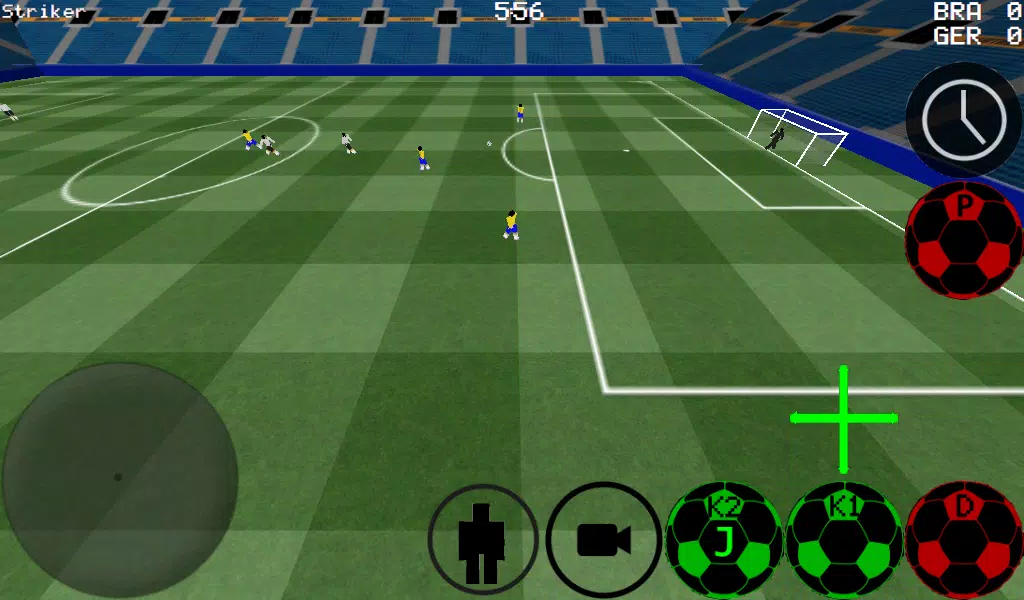


-
 Ultimate Guide to Productivity: Apps for Every Task
A total of 9 Spoken English Grammar app Learn Computer Course offline English Course Electronics Course JomStudy: Form 3 - 5 Study App Kids All in One (in English) TimeBlocks -Calendar/Todo/Note Lite Writer: Writing/Note/Memo WordUp | AI Vocabulary Builder
-


- MiSide: Zero Release Date and Time 1 weeks ago
- Honkai: Star Rail is set to reveal unseen secrets of Penacony in version 3.8 soon 1 weeks ago
- Top Office Chairs for Work & Gaming: Tested Picks 1 weeks ago
- Highway Hero: Truck Tycoon is a management sim currently in soft launch in select regions 1 weeks ago
- LET IT DIE: INFERNO Release Date and Time 1 weeks ago
- Meteorfall: Rustbowl Rumble Launches with Eccentric Heroes Battle 1 weeks ago
-

Casual / 1 / by Banana King / 901.17M
Download -

Casual / 1.2.0 / by Inceton Games / 1657.30M
Download -

Casual / 1.3.0 / by Ball games / 2.6 MB
Download -

Simulation / 3.5 / by Gamehayloft / 50.70M
Download


-
 How To Fix Marvel Rivals Compiling Shaders Slow on Launch
-
 How to Get the Path of Valor Chest in Assassin’s Creed Shadows
-
 "Saving Your Game in R.E.P.O.: A Guide"
-
 "Clair Obscur: Expedition 33 Publisher Praises Oblivion Remastered's Impact on RPG Spotlight"
-
Best Educational Games for Adults: Brain Training & Skill Development (Puzzle Games)
-
 "Clair Obscur: Expedition 33 Developers Announce New Game Project"