

MyNISSAN®
Category : Auto & VehiclesVersion: 6.1.12
Size:68.0 MBOS : Android 8.1+
Developer:Nissan North America, Inc.
 Download
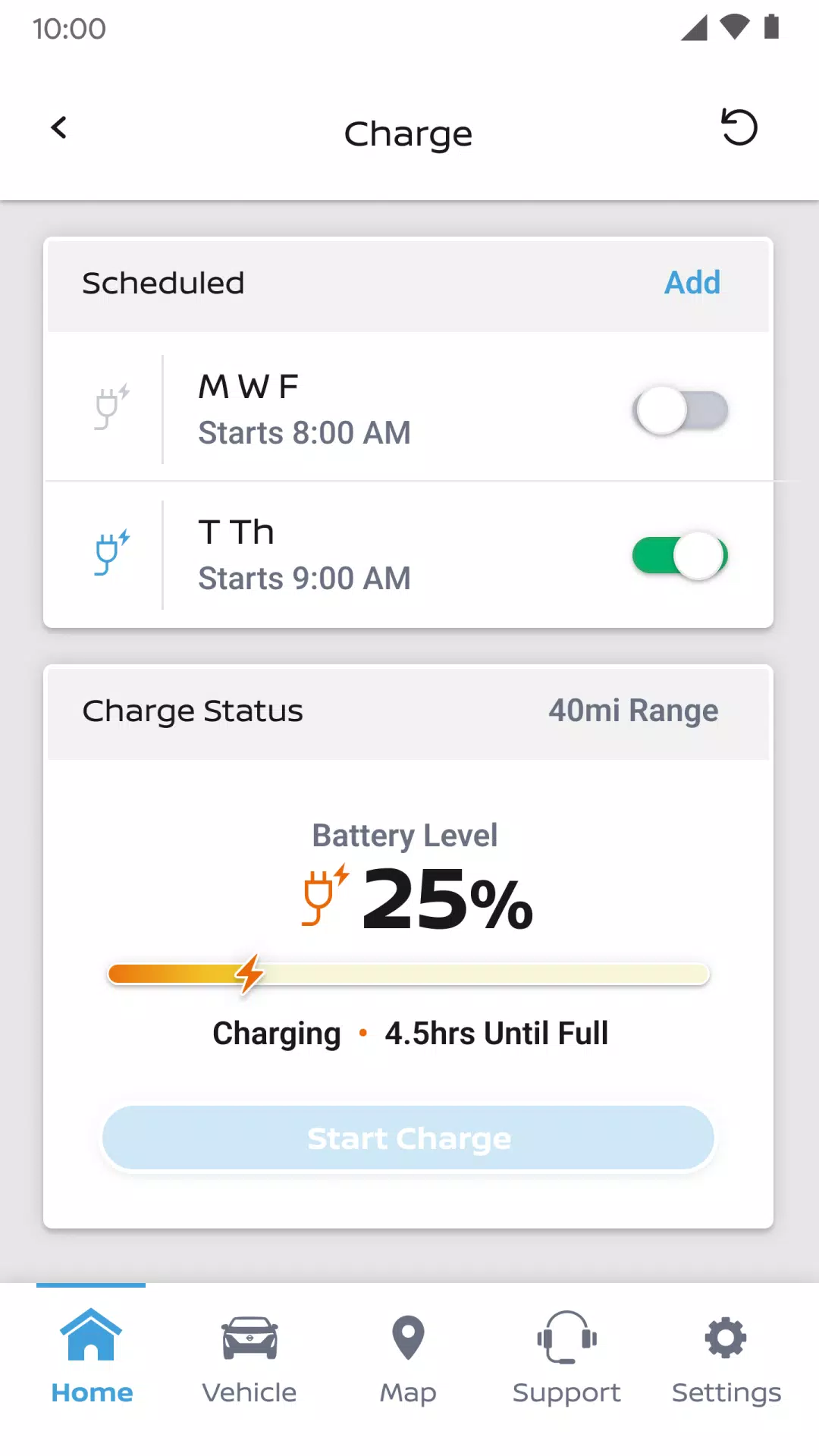
 MyNISSAN® offers remote control of your vehicle directly from your smartphone.*
The MyNISSAN App helps you maximize your vehicle's potential and overall ownership experience. It delivers remote access, security, personalization, vehicle data, maintenance, and convenience features directly from your Nissan to your compatible Android phone or Wear OS.
The MyNISSAN App is available to all Nissan owners, with an optimized experience for 2014 and later models. The full MyNISSAN experience requires an active NissanConnect® Services Premium package, available on select 2018 and newer models.* For a detailed list of features compatible with your vehicle, visit owners.nissanusa.com.
All Nissan owners and vehicles have access to these MyNISSAN features:
• Manage your Nissan account and preferences
• Schedule service appointments at your preferred dealer****
• Get notifications for applicable vehicle recalls or service campaigns
• Review your vehicle’s service history and maintenance schedule
• Access Roadside Assistance
With a compatible vehicle, you can:
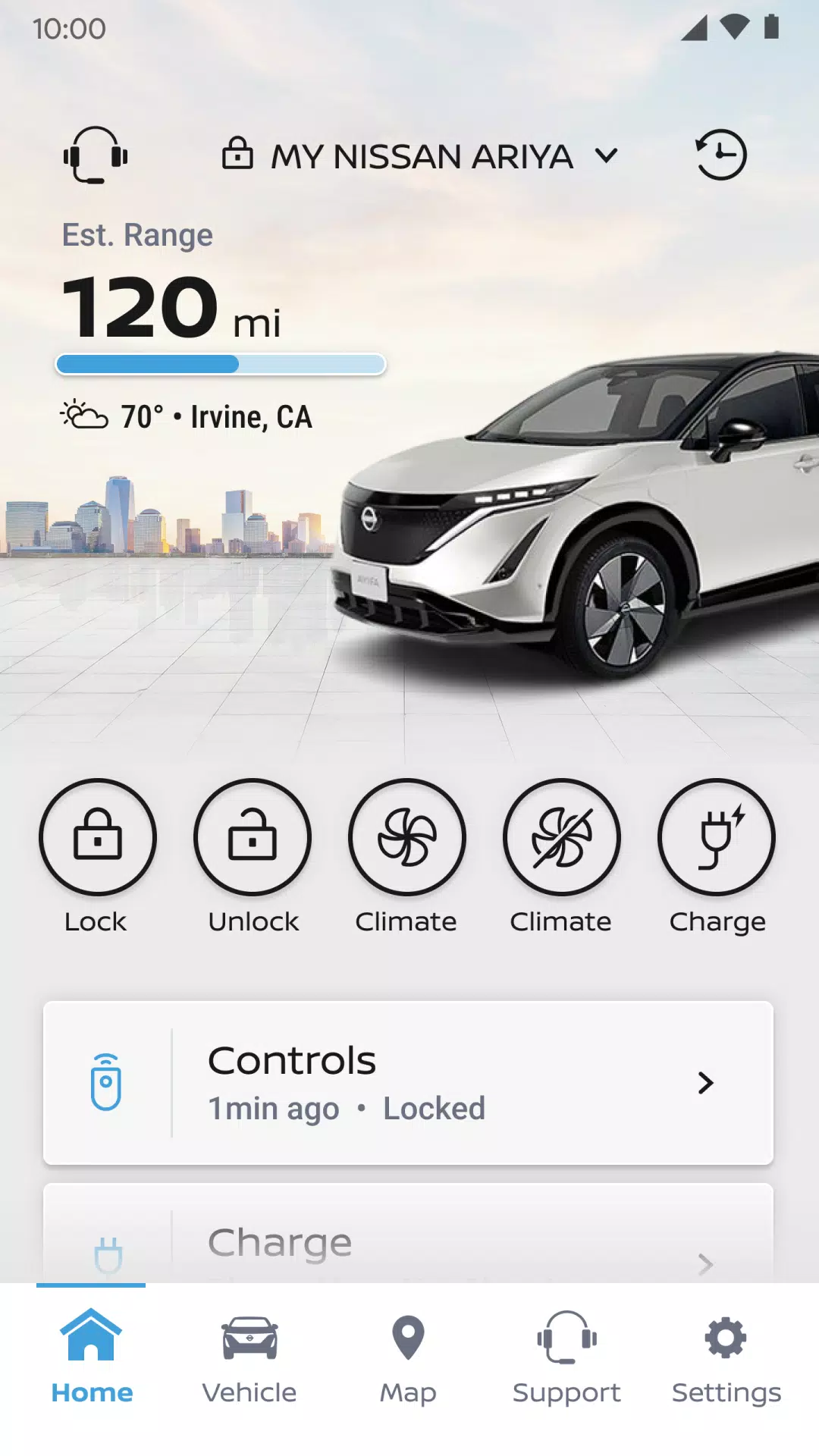
• Start and stop your engine remotely**, lock or unlock doors, and trigger the horn and lights
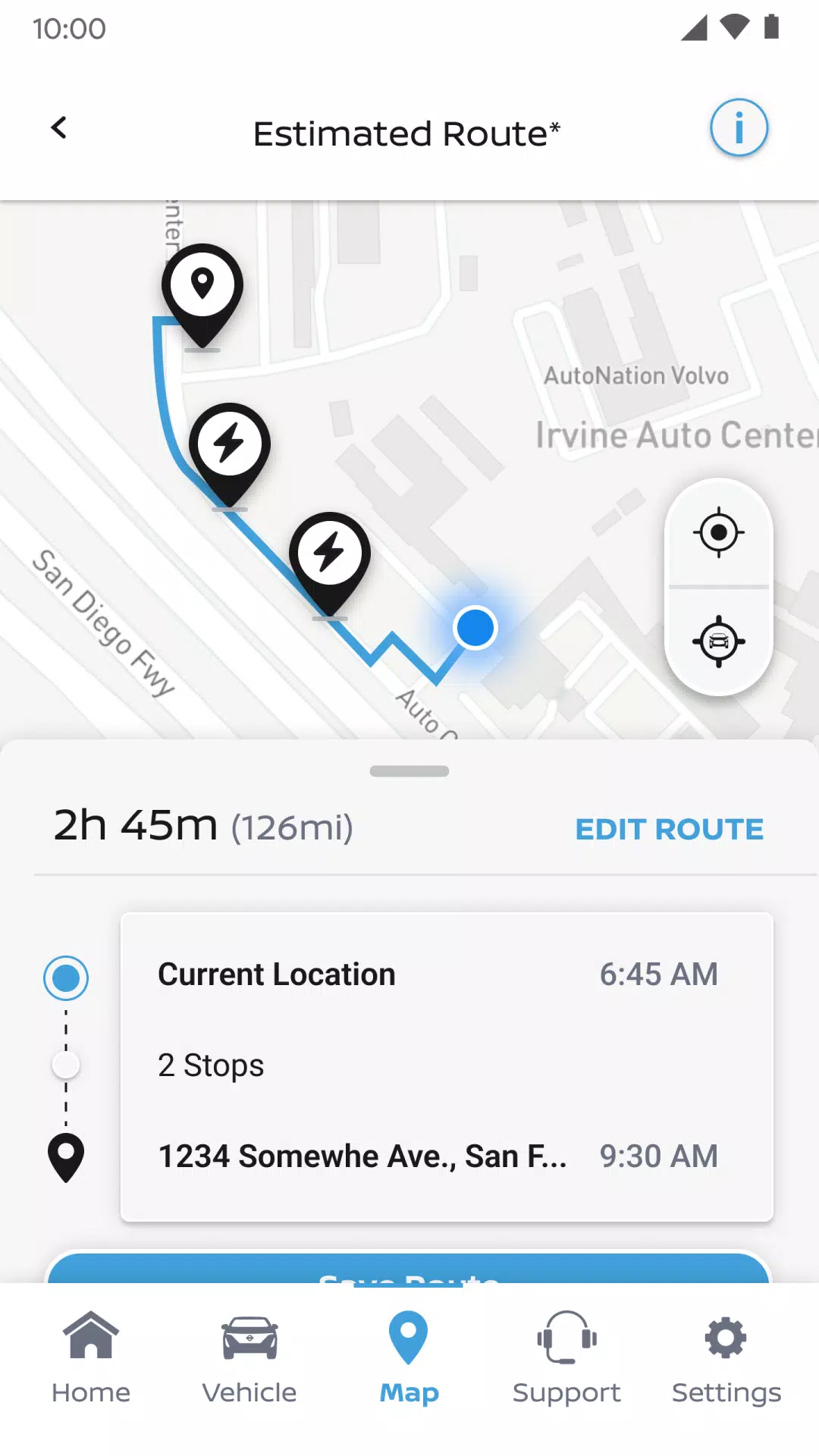
• Search for, save, and send points of interest to your vehicle
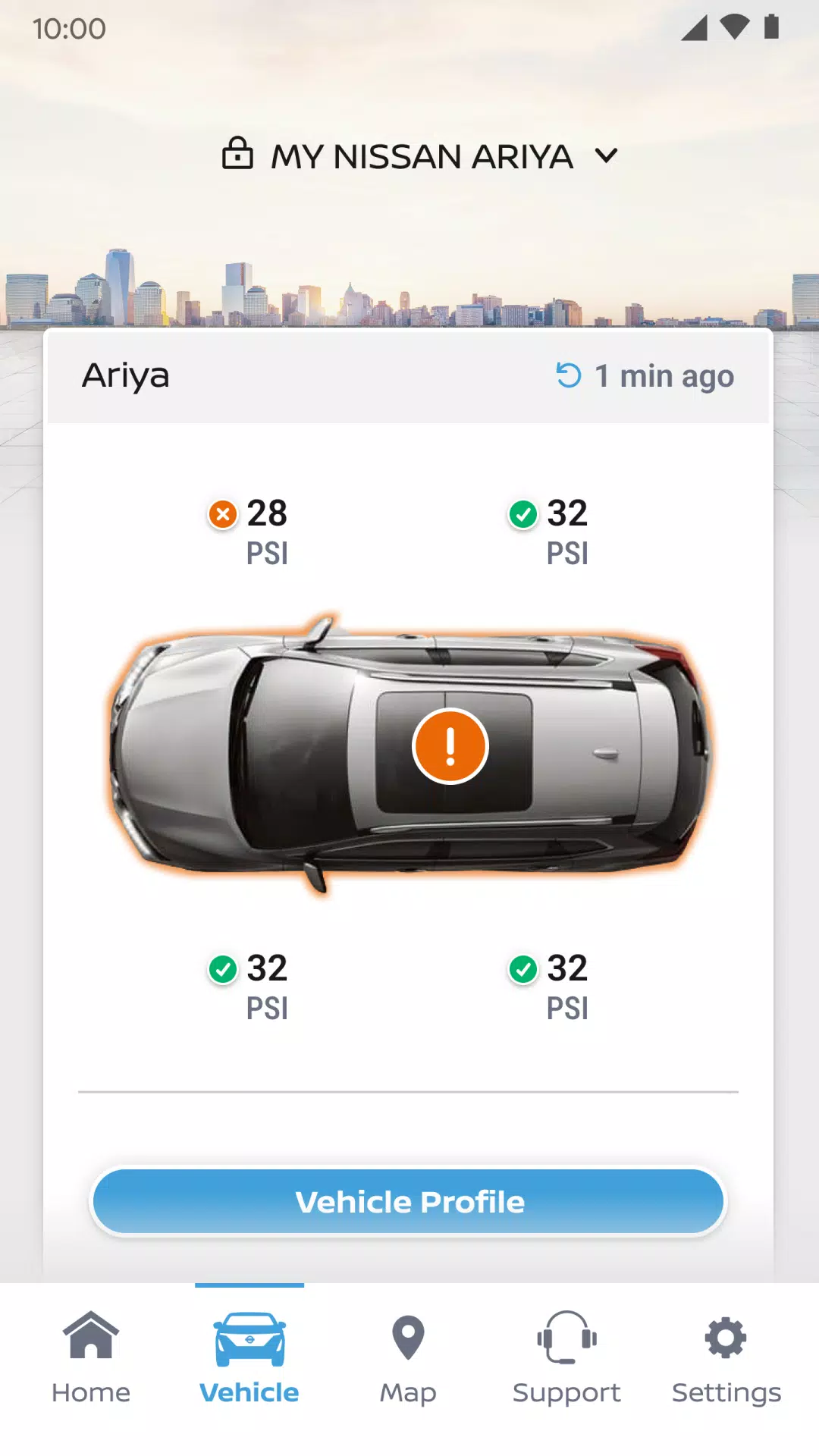
• Monitor vehicle status (doors, engine, mileage, remaining fuel range, tire pressure, oil pressure, airbags, brakes)
• Locate your parked vehicle
• Set up personalized boundary, speed, and curfew alerts to keep watch over your vehicle***
Trims with Google built-in** add further capabilities, such as:
• Adjust your vehicle’s climate remotely
• Start your engine remotely
• Receive alerts for unlocked doors, cracked windows, and more
• Connect with your repair shop for live service updates
• Plan trips using smart route recommendations
• Get maintenance reminders before service is due
• Add up to four additional drivers under a single Nissan ID account
For important safety details, system limitations, and additional feature and operating information, consult your dealer, owner’s manual, or visit www.nissanusa.com/connect/privacy.
*NissanConnect Services telematics were impacted by AT&T’s shutdown of its 3G cellular network. As of February 22, 2022, all Nissan vehicles with telematics hardware that relies on the 3G network can no longer connect or access NissanConnect Services features. Customers who purchased a Nissan with this hardware had to enroll in NissanConnect Services before June 1, 2021, to activate service and maintain access until February 22, 2022 (subject to cellular network availability and coverage). Additional information is available at http://www.nissanusa.com/connect/support-faqs.
**Feature availability depends on model year, model, trim, packages, and options. Consumer activation of the NissanConnect Services SELECT package ("Package") is required. A trial period is included with eligible new vehicle purchase or lease. The trial period may be changed or ended at any time without notice. After the trial, a monthly subscription is required. Driving requires full attention—only use features when safe and legal. Never program while driving. GPS maps may not cover all areas or reflect current road conditions. Connectivity service, app subscriptions, and data rates may apply. Features depend on third-party service availability. If providers terminate or limit services, features may be suspended or canceled without notice, with no liability to NISSAN or its partners. Google, Google Play, and Google Maps are trademarks of Google LLC. Learn more at www.nissanusa.com/connect/legal.


-
 Ultimate Guide to Productivity: Apps for Every Task
A total of 9 Spoken English Grammar app Learn Computer Course offline English Course Electronics Course JomStudy: Form 3 - 5 Study App Kids All in One (in English) TimeBlocks -Calendar/Todo/Note Lite Writer: Writing/Note/Memo WordUp | AI Vocabulary Builder
-


- 'That Was Definitely Tough, Right?' — CEO of MindsEye Publisher IOI Responds to Disastrous Launch 1 weeks ago
- Pokémon TCG Pocket – Wisdom of Sea and Sky Expansion Guide 1 weeks ago
- Hearthstone's Battlegrounds Season 11 Adds Major New Content 1 weeks ago
- Monster Hunter Wilds Global Launch Times Unveiled 1 weeks ago
- MiSide: Zero Release Date and Time 1 weeks ago
- Honkai: Star Rail is set to reveal unseen secrets of Penacony in version 3.8 soon 2 weeks ago
-

Productivity / 1.5.59 / by BGCI / 38.70M
Download -

Entertainment / v19.11.38 / by Vanced / 95 MB
Download -

Tools / 2.1 / by Appwise OÜ / 12.00M
Download -

Auto & Vehicles / 2.5.4 / by Lexus Mobile Apps / 154.5 MB
Download -

Entertainment / 1.1 / by HabibiWallpapers / 22.8 MB
Download -

Tools / 1.0 / by SM technology / 10.39M
Download -

Communication / 6.62.1 / by CONSTRUCT TECHNOLOGY PTE. LTD. / 109.85 MB
Download

-
 How To Fix Marvel Rivals Compiling Shaders Slow on Launch
-
 How to Get the Path of Valor Chest in Assassin’s Creed Shadows
-
 "Saving Your Game in R.E.P.O.: A Guide"
-
 "Clair Obscur: Expedition 33 Publisher Praises Oblivion Remastered's Impact on RPG Spotlight"
-
Best Educational Games for Adults: Brain Training & Skill Development (Puzzle Games)
-
 "Clair Obscur: Expedition 33 Developers Announce New Game Project"