

 Download
 Design pixel art, animate sprites, and modify game textures seamlessly with Inktica!
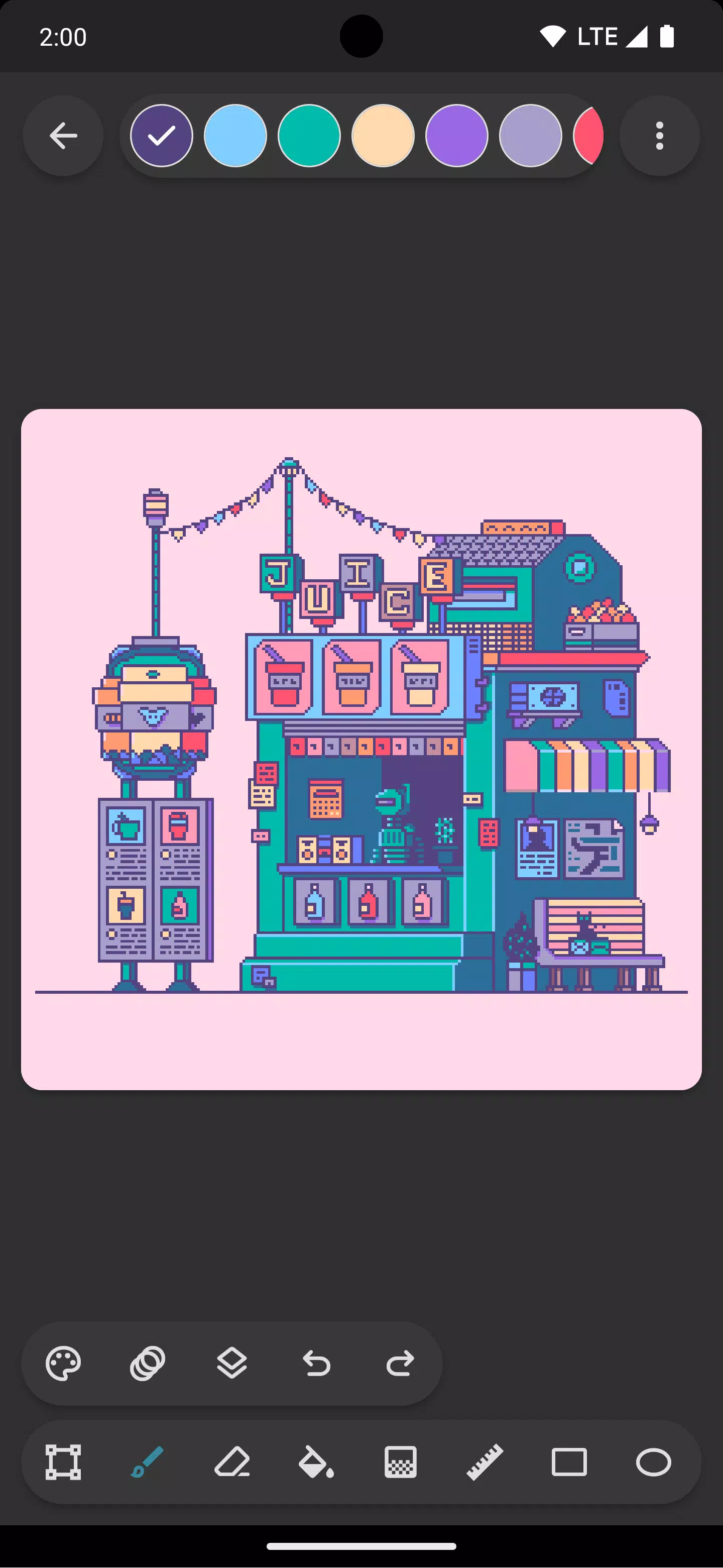
Craft pixel art with Inktica—an intuitive and powerful pixel art editor. You can create artworks that evoke the low-resolution charm of early computers and game consoles or fine-tune textures for your game projects.
Inktica offers a robust suite of tools specifically built for editing at the pixel level. Core drawing tools include Brush, Eraser, Flood-fill, Gradient, Line, Rectangle, Ellipse, and Pipette. Many feature pixel-perfect modes, like the Brush’s “pixel perfect” algorithm for clean, single-pixel-wide lines.
Use the selection tool in Inktica to copy, cut, move, or paste sections of your artwork. You can even rotate or flip selections before pasting them.
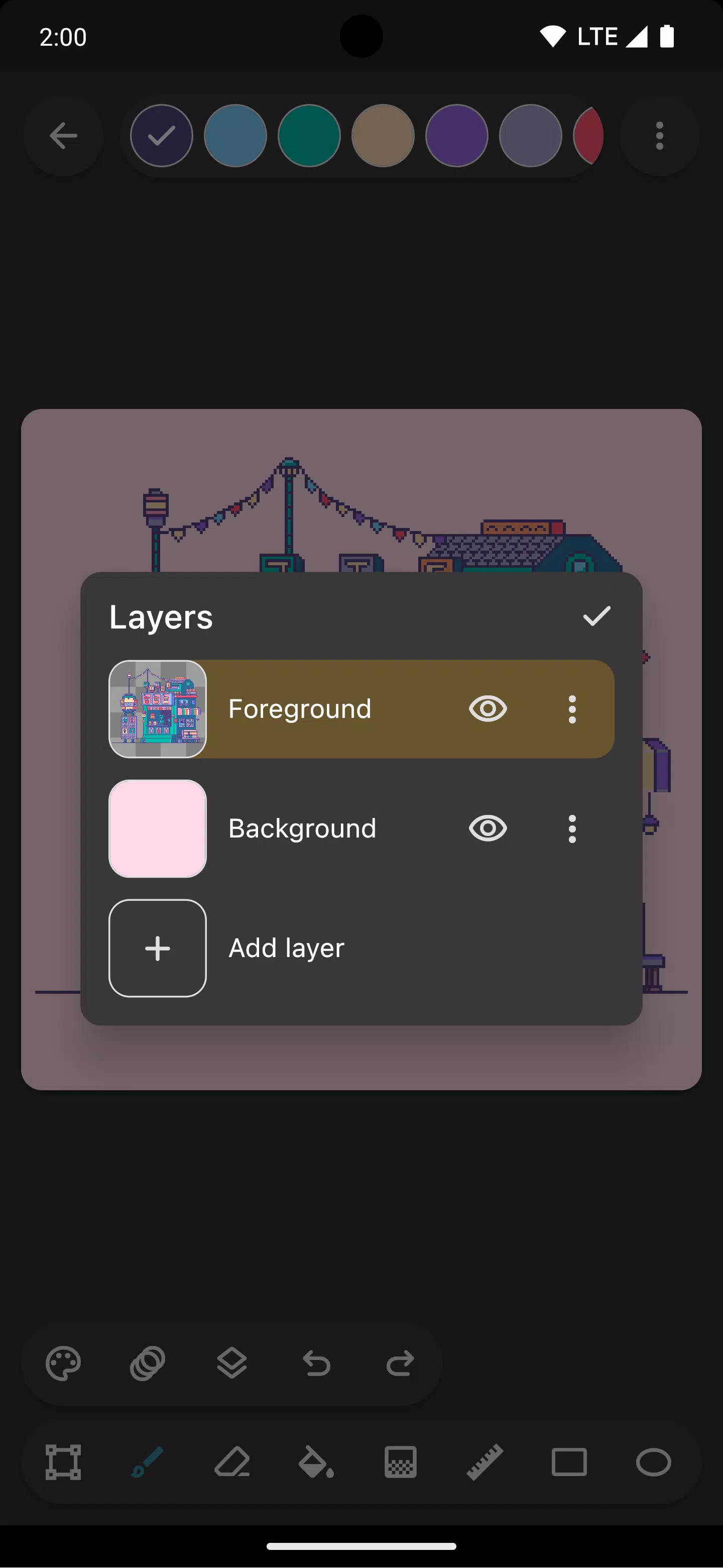
Organize your creative process with layer support. Layers make it simpler to manage different parts of your pixel art and edit them independently.
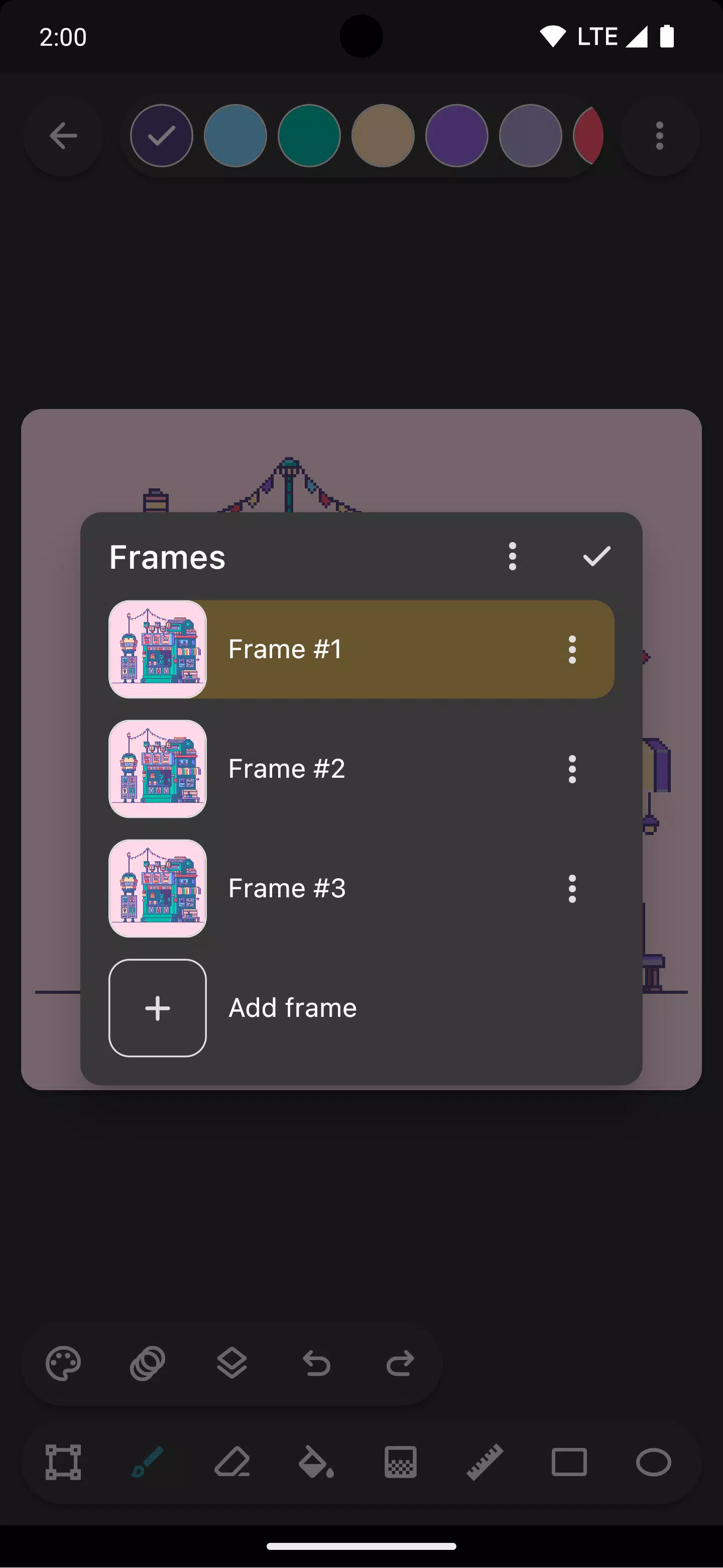
Breathe life into your sprites with built-in animation tools. The onion skin feature allows you to overlay the previous frame for smoother frame-by-frame animation.
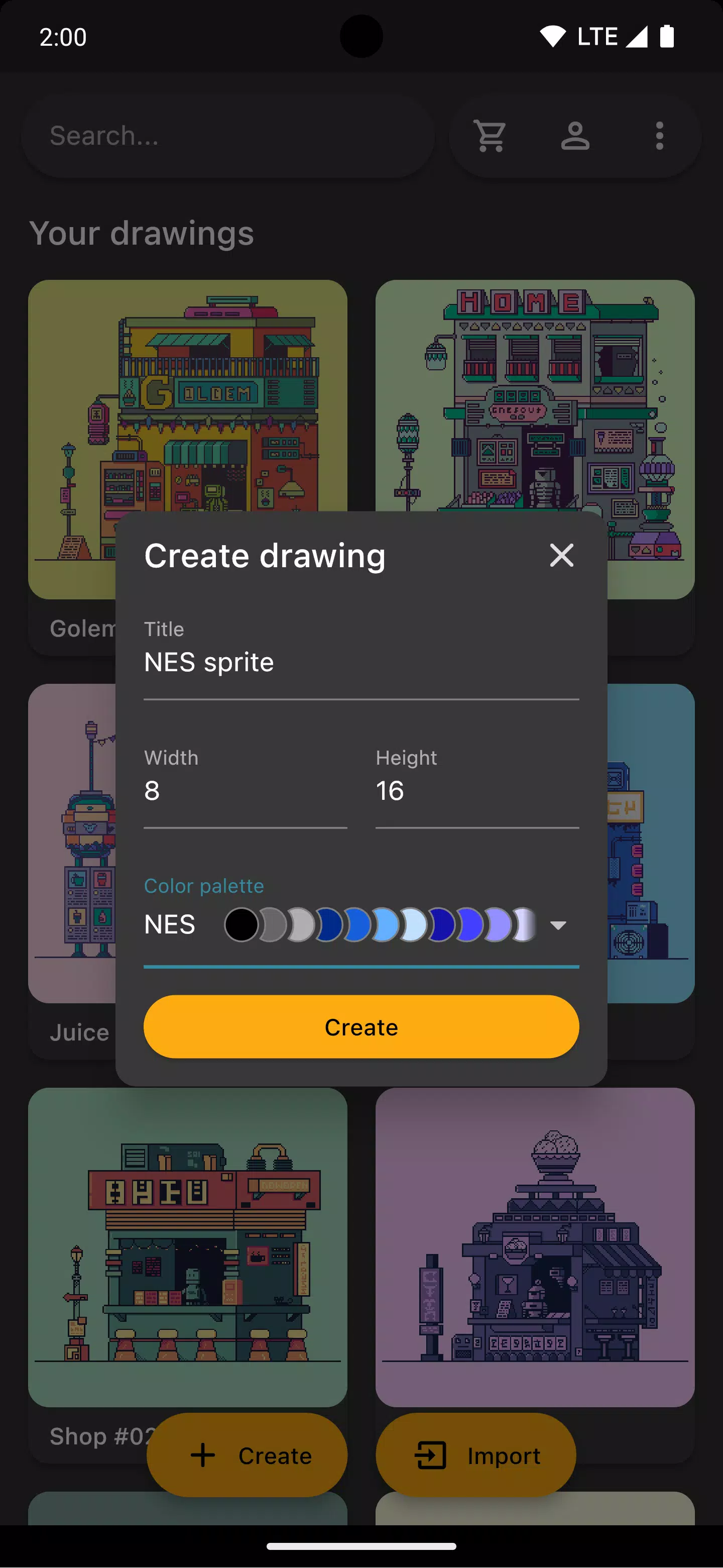
Choose from authentic color palettes inspired by classic consoles like the Atari 2600, NES, or Game Boy. You can also import curated palettes from Lospec directly.
Open a reference image from your gallery while you draw to compare your work with the original source conveniently.
Once your artwork is ready, share it on social media or export it to your device. Exports can be upscaled to maintain crispness when viewed outside pixel-art-focused platforms.
Inktica also lets you edit pixel art from other applications. It supports importing Aseprite files (.ase, .aseprite) along with standard image formats like PNG, JPEG, and GIF.
Art in the screenshots is by Pikurā.
Privacy policy: https://inktica.com/privacy-policy.html
Terms of use: https://inktica.com/terms-of-use.html
What's New in the Latest Version 1.35.97
Last updated on Nov 11, 2024
- Updated the color dialog layout to a grid format for better color visibility
- Tapping a color in the dialog now closes it automatically for faster workflow


-
 Ultimate Guide to Productivity: Apps for Every Task
A total of 9 Spoken English Grammar app Learn Computer Course offline English Course Electronics Course JomStudy: Form 3 - 5 Study App Kids All in One (in English) TimeBlocks -Calendar/Todo/Note Lite Writer: Writing/Note/Memo WordUp | AI Vocabulary Builder
-

- Legend of Myth: Latest Redeem Codes (January 2025) 3 days ago
- Kakele Online Launches Major Gangan Continent Expansion 6 days ago
- Shaved Ice Decor Pikmin Are Making Their Debut in Pikmin Bloom 6 days ago
- Death Stranding 2 trailer unveiled at Summer Game Fest 1 weeks ago
- Europa Universalis V Release Date and Time 1 weeks ago
- Get EA FC 26 at 50% Off Before Black Friday 1 weeks ago
-

Productivity / 1.5.59 / by BGCI / 38.70M
Download -

Entertainment / v19.11.38 / by Vanced / 95 MB
Download -

Tools / 2.1 / by Appwise OÜ / 12.00M
Download -

Entertainment / 1.1 / by HabibiWallpapers / 22.8 MB
Download -

Auto & Vehicles / 2.5.4 / by Lexus Mobile Apps / 154.5 MB
Download -

Tools / 1.0 / by SM technology / 10.39M
Download -

Communication / 6.62.1 / by CONSTRUCT TECHNOLOGY PTE. LTD. / 109.85 MB
Download

-
 How To Fix Marvel Rivals Compiling Shaders Slow on Launch
-
 How to Get the Path of Valor Chest in Assassin’s Creed Shadows
-
 "Saving Your Game in R.E.P.O.: A Guide"
-
 "Clair Obscur: Expedition 33 Publisher Praises Oblivion Remastered's Impact on RPG Spotlight"
-
Best Educational Games for Adults: Brain Training & Skill Development (Puzzle Games)
-
 "Clair Obscur: Expedition 33 Developers Announce New Game Project"